




Go anyway.
Some days you have ten reasons not to.HealthBlocks is the one reason you do.
Health Games
Put in a stake, hit your daily goal and win from the prize pot. Miss it and your stake stays in the pot for the people who do make it.
Join in and keep your healthy routine going, together with others. New games open every week, weekend and month, so there's always one to jump into.


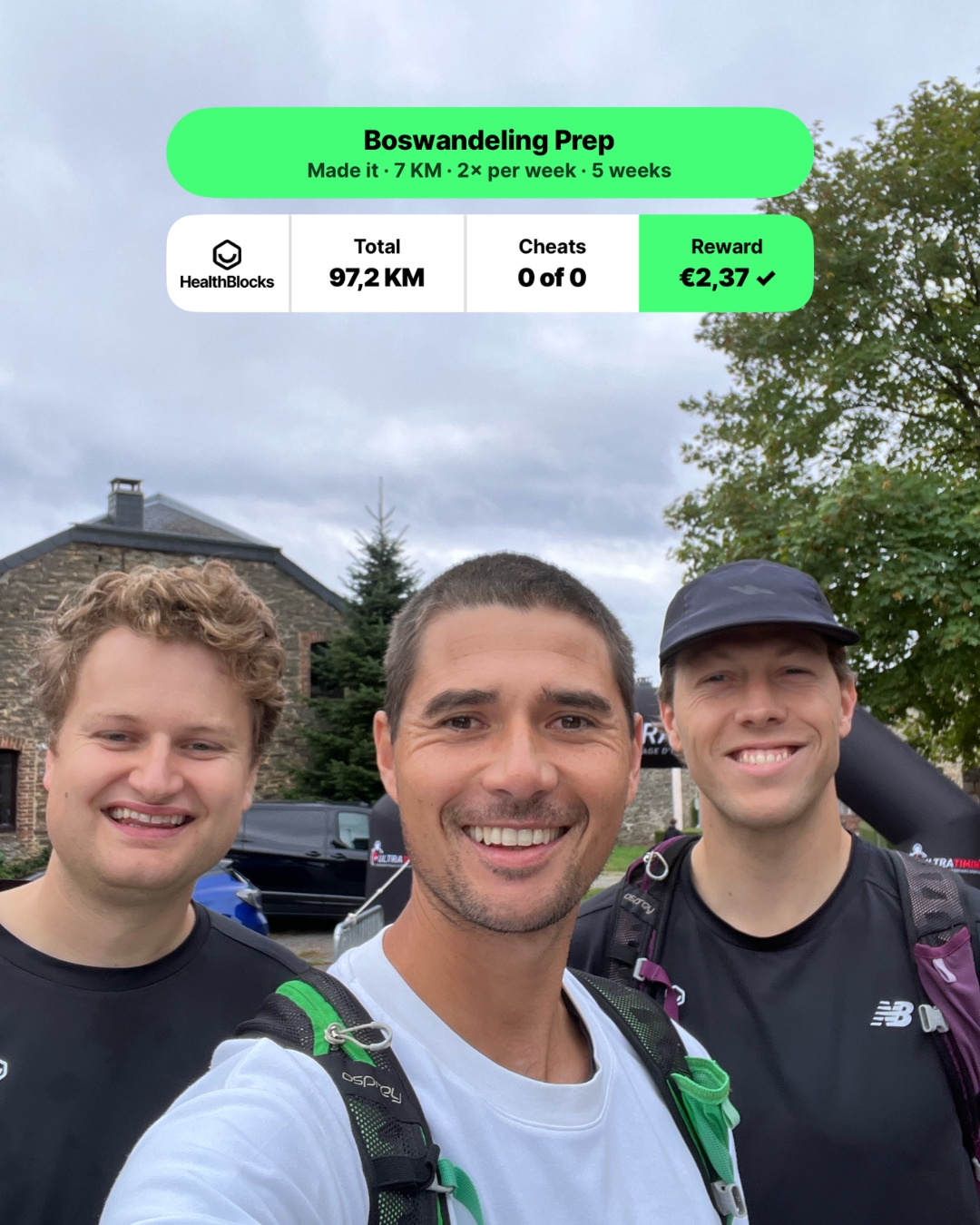
Join in, and actually make it.



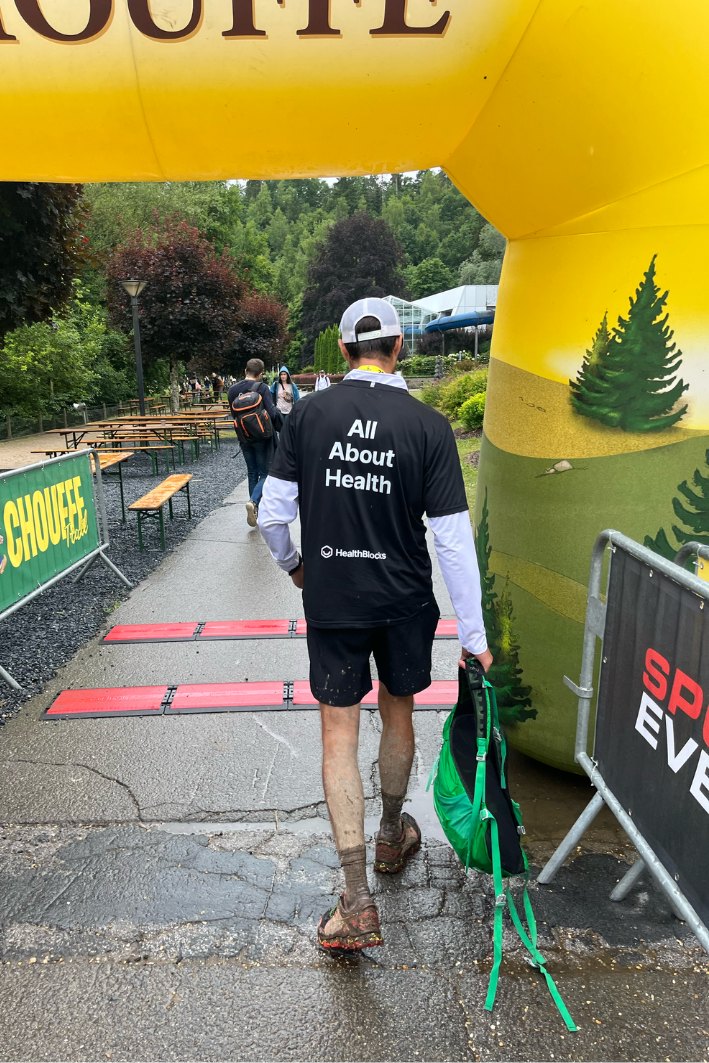
Walking, running, whatever the day was
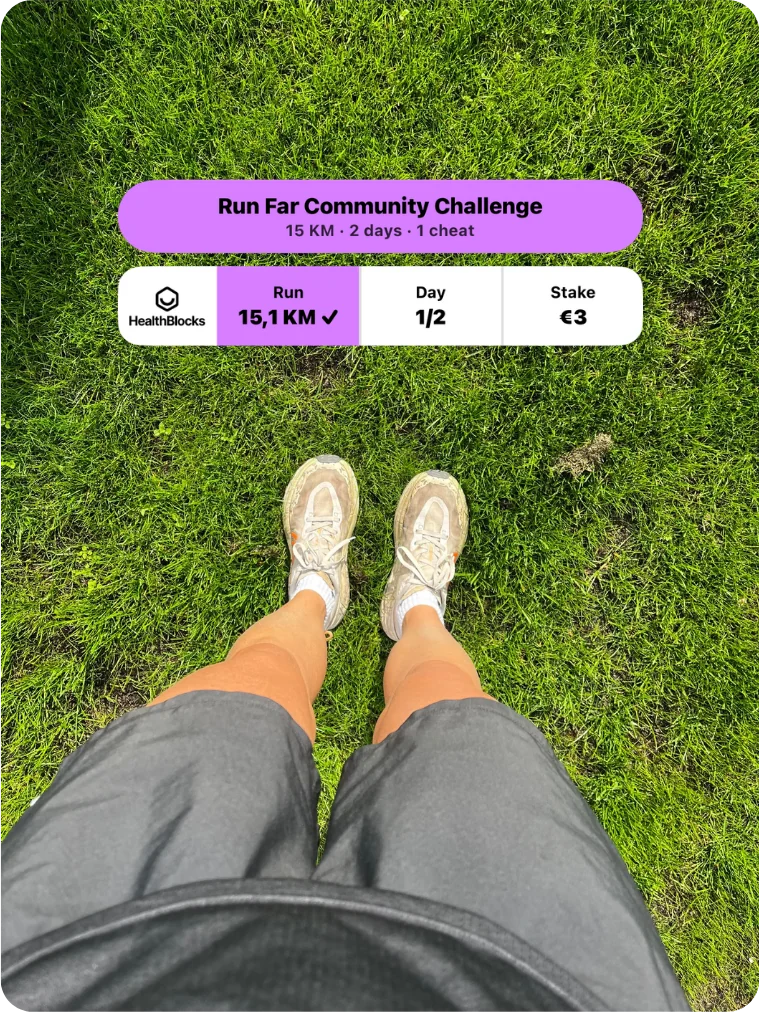
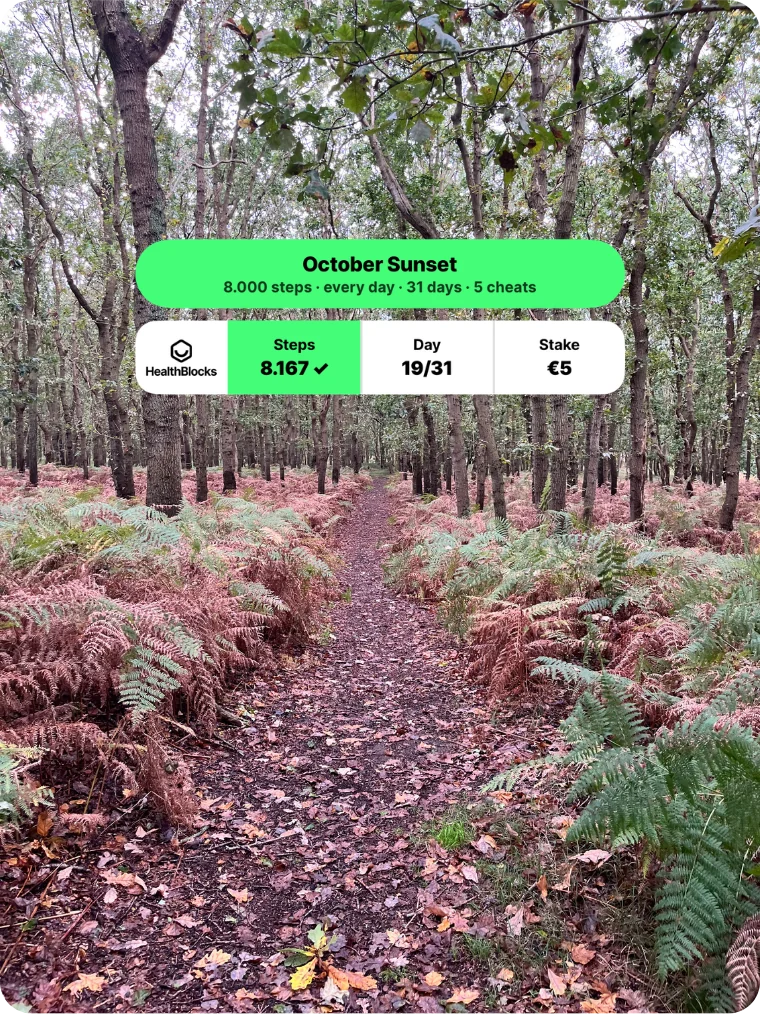
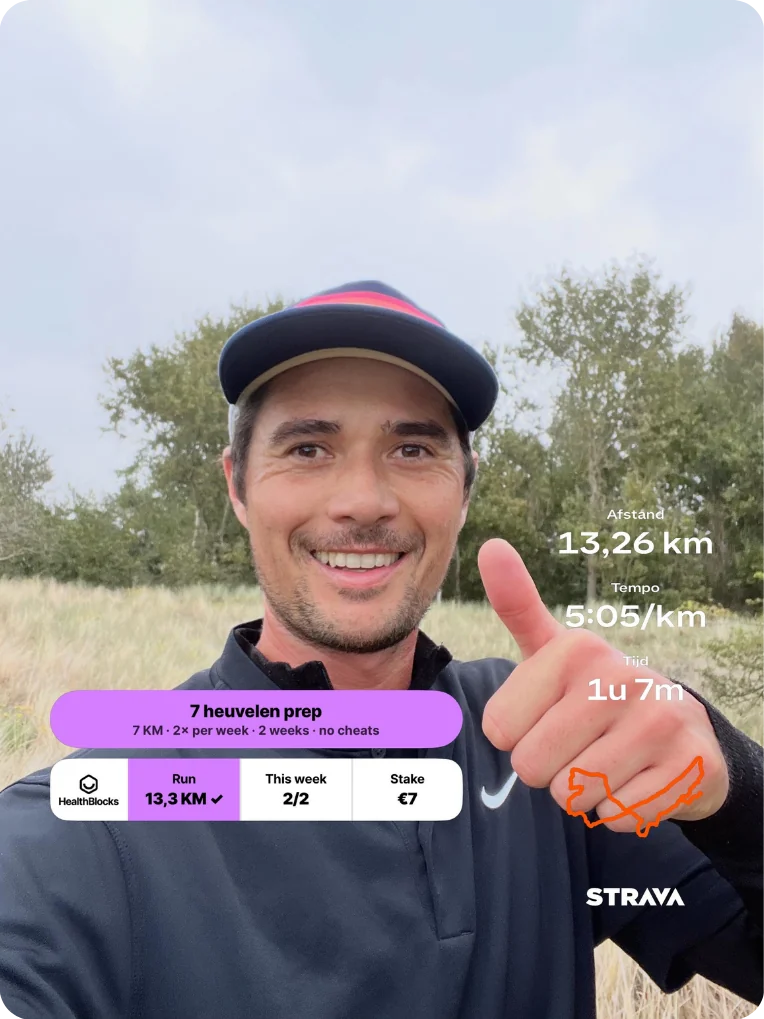
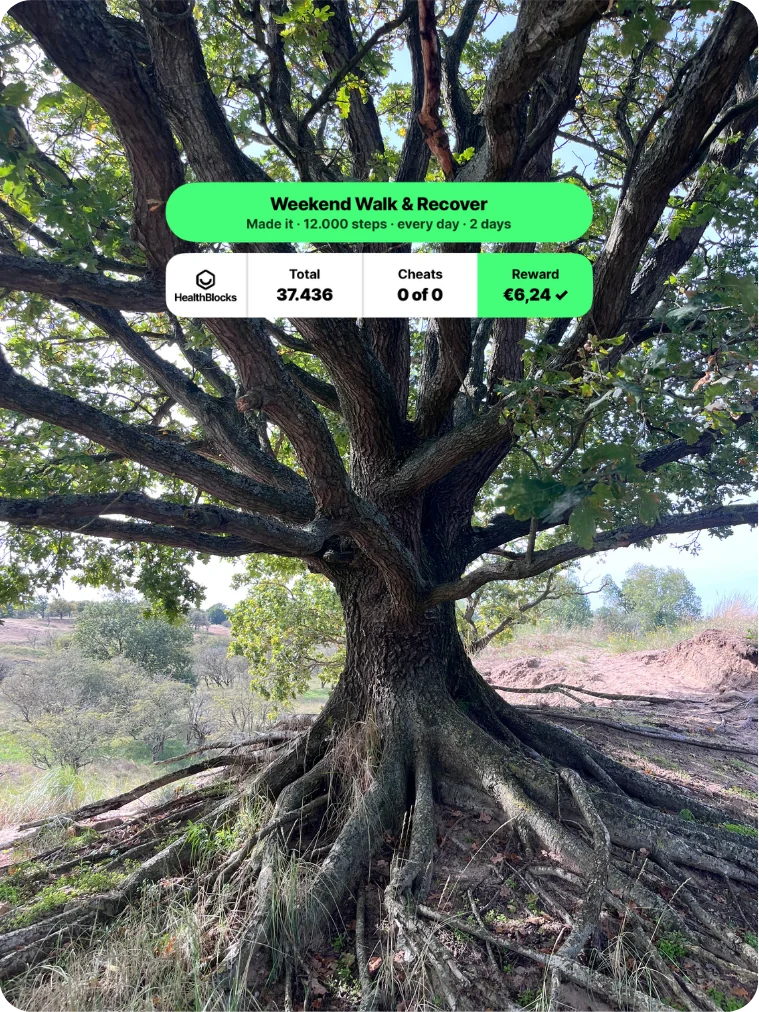
Share your day
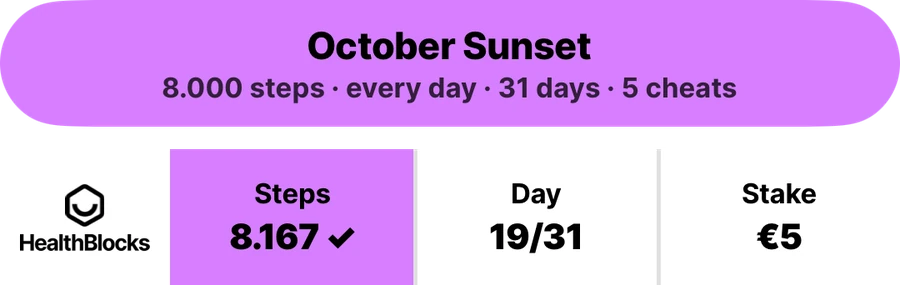
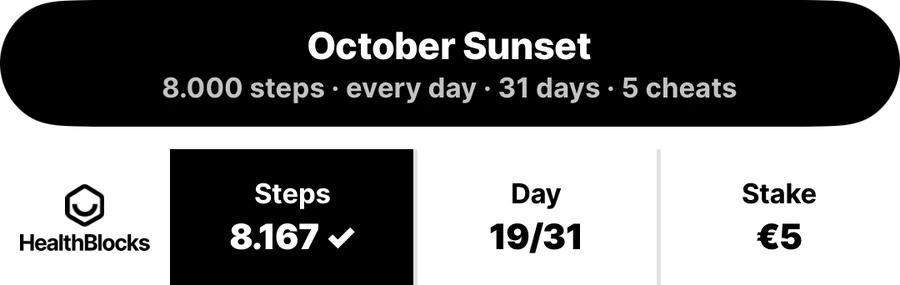
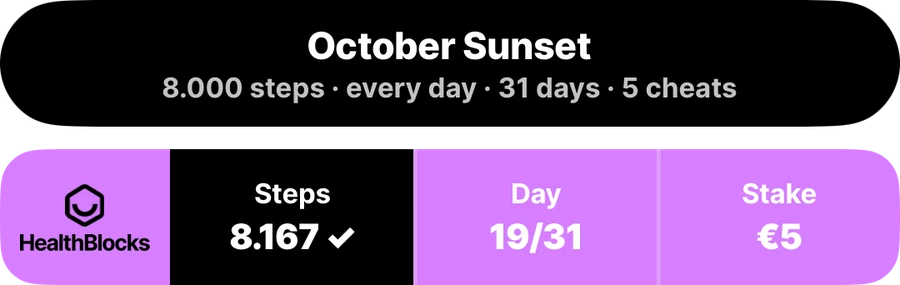
Every day you make it earns a sticker, and so does the finish. Put it on your own photo, pick the colour that fits, and share it with whoever you like.
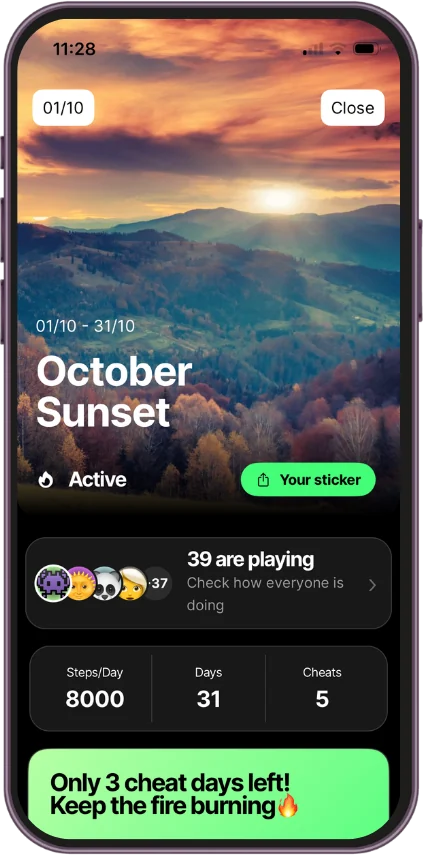
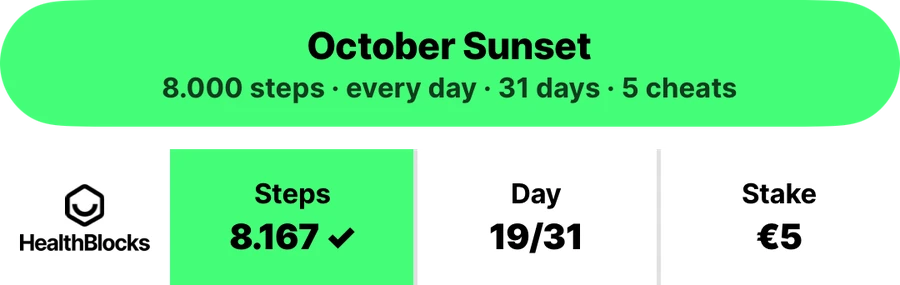
How to play
- 1
Download
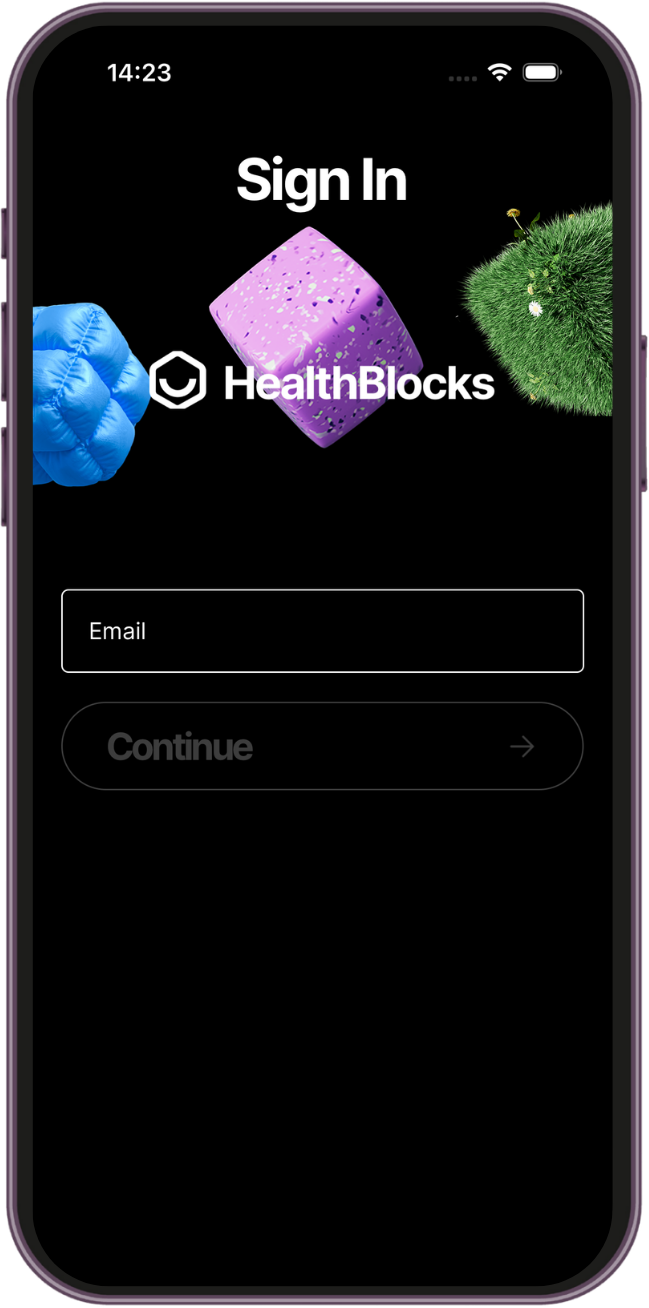
Get HealthBlocks free on iOS or Android, then create your account.
- 2
Connect
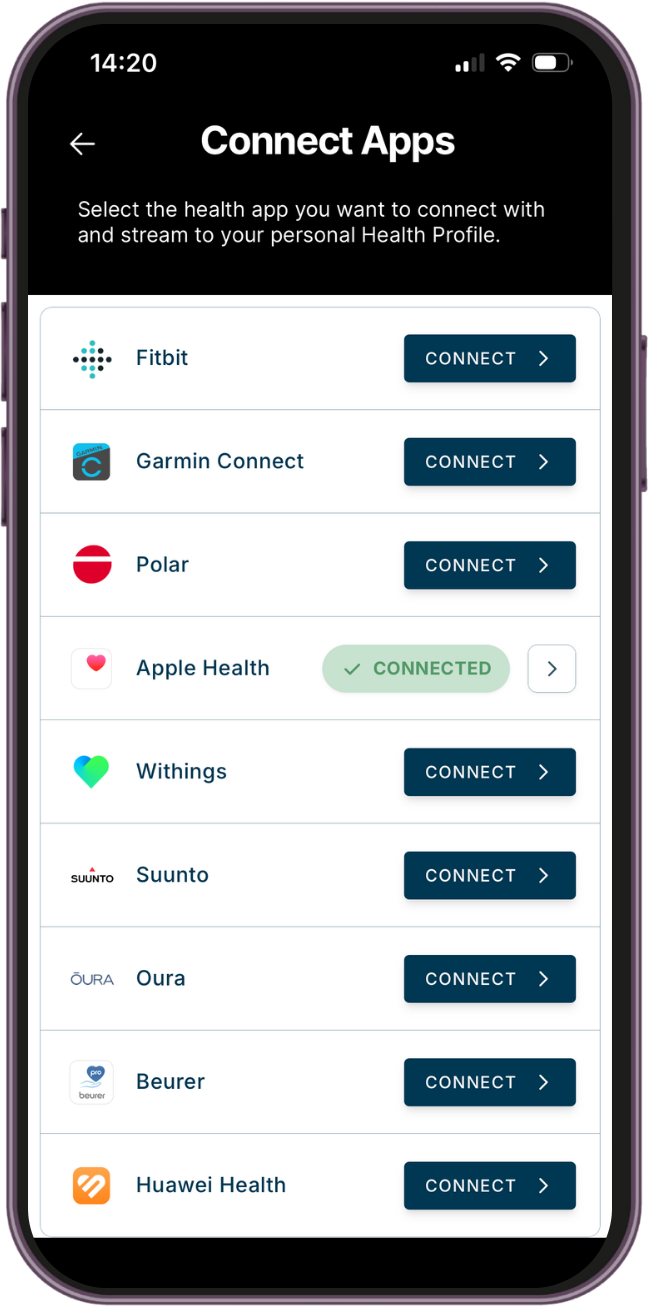
Link your wearable or phone so your steps count automatically.
- 3
Play
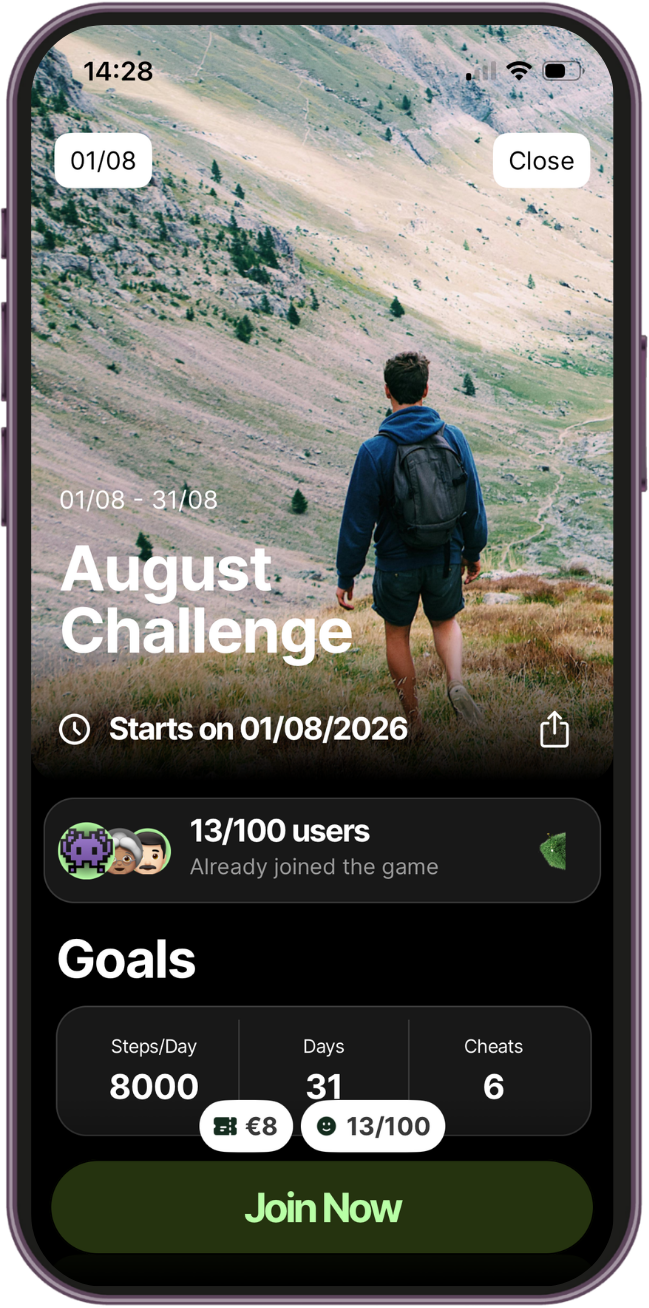
Join a challenge, put in your stake, and start moving.
 In the city
 In nature
Every step counts.No matter where you are.
Set up your own
Live in the appYou do not have to wait for a challenge to open. Set one up yourself in the app, for steps or for running, and invite as many people as you like. You set the terms, everyone plays by them.
How long
A weekend, a week, a month. Pick the start and the finish and the challenge closes itself.
How far
The daily goal: a number of steps, or a distance to run. Set it where it stings a little.
How often
Every day, or a few days a week. Add cheat days if you want to leave room for one bad one.
How much
The entry fee is yours to set. Every entry goes into the prize pot, so the stake decides how much there is to lose and how much to win.
Frequently asked
Got questions? We've got answers.
What is the HealthBlocks app?
HealthBlocks is the app you actually go with. You pick a challenge, put a small stake in, and hit a daily goal for a set number of days. Every stake makes the prize pot, and everyone who finishes shares it. The money is not really the point. The point is that on the evening you have ten reasons not to go, there is one reason you do.
How does HealthBlocks work?
In five steps, and the app handles most of them for you:
- Download the app and connect Apple Health, Health Connect or your wearable, so your activity counts itself. Nothing to log by hand.
- Join a challenge, or host your own and invite whoever you like.
- Pay the entry fee. The entries are what make the prize pot.
- Hit your daily goal. Miss one and a cheat day covers you, if the challenge has any.
- Finish, and share the pot with everyone else who made it. Pay out through PayPal.
What kind of challenges can I do with HealthBlocks?
Steps and running. A step challenge asks for a number of steps on the days you play, a running challenge asks for a distance. Both are counted by your phone or your wearable, so there is nothing to keep track of yourself. More activities are coming, and we would rather add one that counts properly than five that almost do.
How can I pay out my earnings?
You can pay out your earnings with PayPal. In the app you connect your PayPal account and withdraw your earned money, up to a maximum of €100 per transaction.
In how many challenges can I participate at the same time?
You can register for 5 challenges at the same time.
Can I host a challenge as an influencer?
Yes, and you do not need us for it. Anyone can host a challenge straight from the app: pick the goal, the length, how often, and the stake, then share the link. Invite as many people as you like. If you want your own look, your own artwork or a prize you put up yourself, mail us and we will build it with you.
[email protected]Can I run a challenge for my customers, with my brand on it?
That is what HealthBlocks Business is for. You put up the reward, we run the challenge, and your customers spend a few weeks moving with your name on it. Read what that looks like, or mail Ryan at [email protected] and skip the page.
HealthBlocks BusinessCan I run a challenge with my company?
Yes. You can set it up yourself in the app today, whatever the size of your team: pick the goal, the length, how often and the stake, and send everyone the link. If you want your own look and artwork on it, or you would rather we ran it for you, mail Ryan and we will arrange it.
[email protected]How can I delete my account?
You can delete your account in the app: go to Profile > Login & Account > Delete Account. If you need support, you can always reach us at [email protected]. If you wish to delete your account, please note the following:
- Any active participations in challenges will be cancelled immediately and without refunds.
- You will not be able to log in to your account anymore after your account has been deleted.
- This cannot be undone.
How do I get in touch with HealthBlocks?
If you have any questions or need support, email [email protected] and we'll get back to you as soon as we can.
[email protected]
Tomorrow, go anyway.
Download HealthBlocks and give yourself a reason to go.